Tabs & Incognito
Several tabs that come back after you close the app; private tabs that keep nothing. Bookmarks and history stay on the phone.
TMB Brows is a private Android browser with a media player, PDF reader, QR tools, file converter, compass and step counter built in. History, bookmarks and tool data stay on your phone — no account needed.
No sign-up screen, no setup wizard — open it and start browsing.
Request it below; TMB Tech sends the install link for your phone.
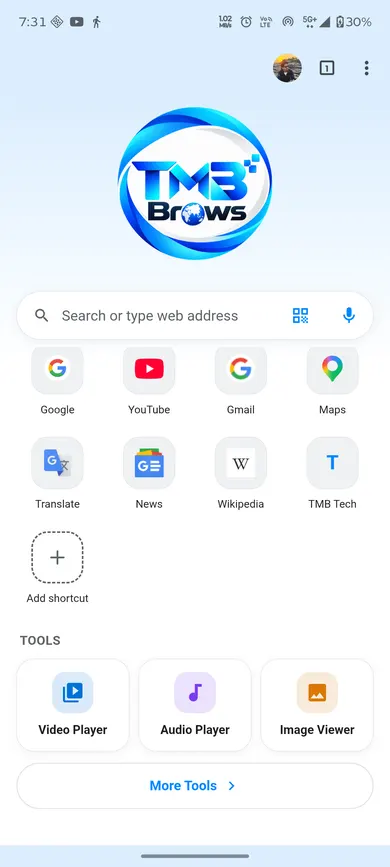
No account screen. Search or type an address and go, straight from the home page.
Open Video, Audio, PDF, QR, File Converter, Compass or Steps from the Tools row whenever you need them.
Add a local profile or a Google-account label if you want to keep "Work" and "Personal" separate.
TMB Brows does not claim to be the fastest or most secure browser. It is one app for the web, media, documents and a few everyday tools.
Several tabs that come back after you close the app; private tabs that keep nothing. Bookmarks and history stay on the phone.
Blocks many common ad services and known trackers, plus YouTube's own in-page ads while the blocker is on. Allow ads per site if you want.
When a site bounces you through automatic redirects, a bar offers "Back to <site>" — the page you actually chose. Nothing is saved.
Background play with lock-screen controls, Picture-in-Picture, and Fit / Fill / Stretch on web video.
Video Player, Audio Player, Image Viewer, PDF Reader, QR Tools, File Converter, File Share Hub, Advanced Compass and Steps.
Up to 8 local profiles, or a Google-account label, each with its own website sign-ins. "Work" and "Personal" never mix.
Opens with no internet, shows an Offline bar, and the local tools keep working.
Light, dark or follow the phone; a logo, search box and shortcut tiles you choose.
Files you download open straight in the matching tool — an MP3 in the Audio Player, a PDF in the PDF Reader, and so on.
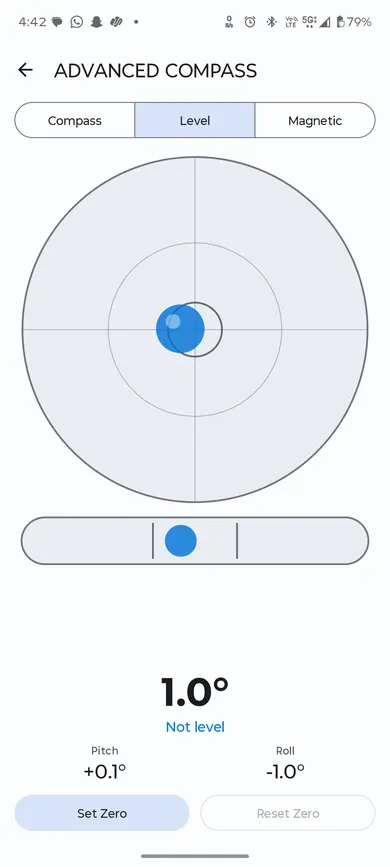
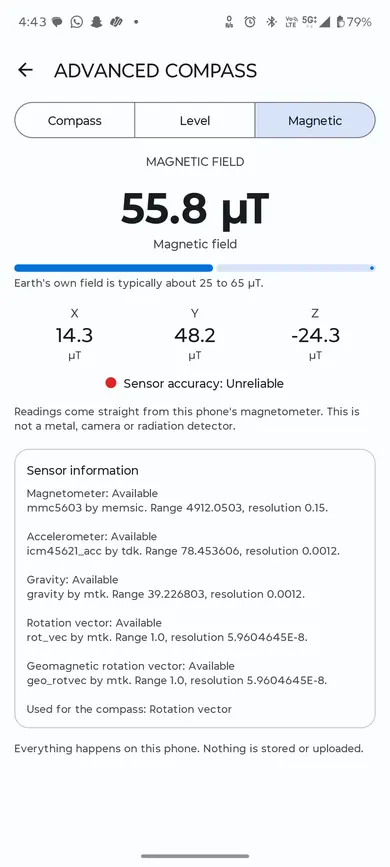
Three tabs using only the phone's own sensors, with no permission, no location and no network.
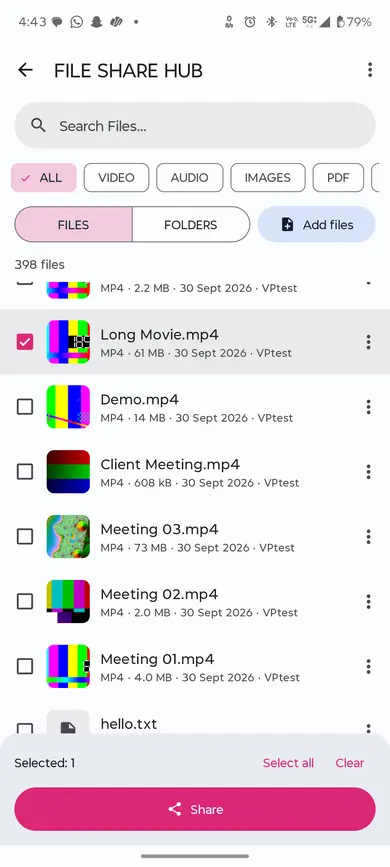
Not a file manager — no copy, move, delete or rename. Just a quick way to find files and share them.
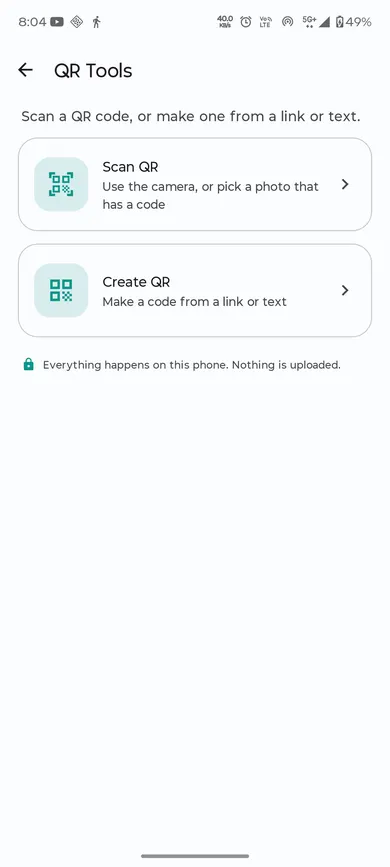
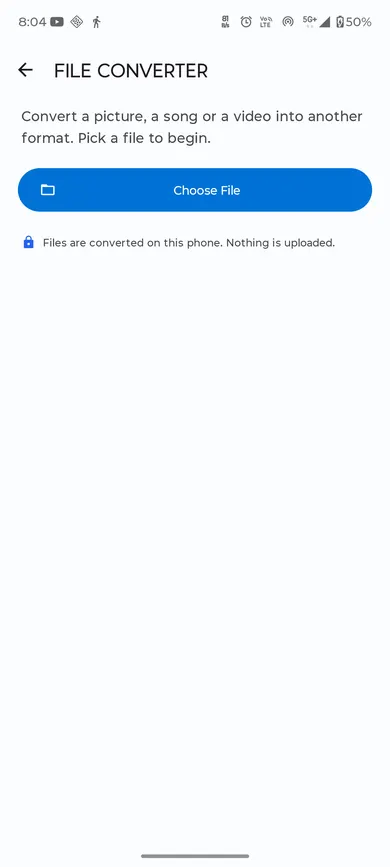
QR Tools scans live or from a photo and can create a QR for text or a link. File Converter changes an image to JPEG/PNG/WebP, or a video to MP4 or audio-only, without touching the original file.
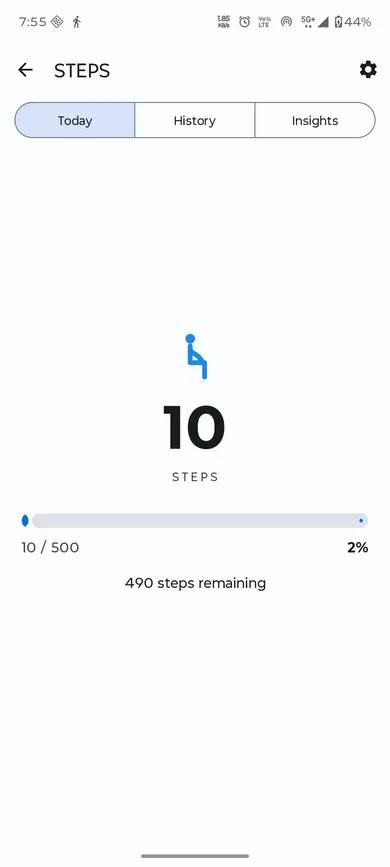
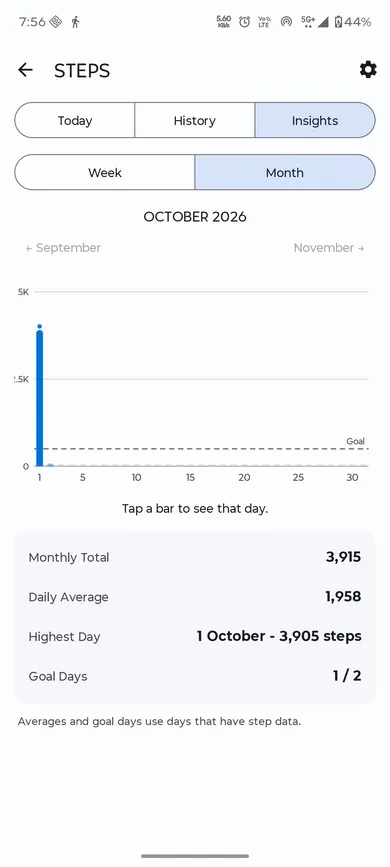
Steps Today shows the day's count from the phone's own step sensor; Insights looks back over the week and month. Nothing is uploaded.
Library, Continue Watching, subtitles, speed up to 2x, gestures, volume boost, Picture-in-Picture.
Continue Listening, sleep timer that works with the screen off, lock-screen controls.
3-column library, pinch zoom, rotate (view only), animated GIF/WebP.
Shown above with real device photos: Advanced Compass, File Share Hub, QR Tools, File Converter and Steps. A photo existing isn't the same as a feature being fully device-verified — QR Tools' create and scan-result screens are verified; File Share Hub, File Converter and Steps are built and still awaiting their own full device-verification pass, same as Audio Player, Image Viewer and PDF Reader — see Honestly, below.
Browsing history, bookmarks, open tabs, shortcuts, tool history and step totals. Private tabs keep nothing at all.
Videos, music, photos, PDFs, QR scans, converted files and step totals stay on the device. Websites cannot read your tools.
Like any browser, it requests the websites you open. It uses Firebase to load its own settings and Google Safe Browsing to check pages.
The Magnetic tool is a sensor reading, not a detector. The Steps tool counts steps only. No VPN is built in.
The same Android app is built as several separate apps ("flavors"), each with its own name, icon, colour and settings — none shares data with another.
The Tools (media players, PDF reader, QR, converter, compass, steps) and profiles belong to TMB Brows only — shop apps do not include them and ask for none of their permissions.
TMB Brows is in active testing. The Tools added most recently are the ones still awaiting device checks.
No. You can browse straight away. A Google-account profile is optional and only keeps the account's address as a label.
On your phone: history, bookmarks, open tabs, shortcuts, tool history and step totals. Nothing from the tools is uploaded.
It blocks many common ad services, plus YouTube's own ads. It will not catch every ad, and you can allow ads per site.
No. Google Safe Browsing warns about unsafe sites through Android; pop-up blocking and Smart Back are conveniences, not malware protection.
No. It shows the phone's magnetometer reading and says plainly that it is not a metal, camera or radiation detector.
Yes, with lock-screen controls and a sleep timer that works with the screen off.
Yes. TMB Tech builds apps with your name, logo and colour — a browser-mode app with your home page, or a shop app that opens only your website.
Not yet. Use "Request the app" below and we'll be in touch.
Tell us whether you want TMB Brows itself, or a browser or shop app branded for your business.

TMB Brows is a product of TMB Tech, a software company that builds business applications end to end: mobile apps, web portals, backend APIs and databases.